The difference at a glance
| Decision | Explainer video | Product demo |
|---|---|---|
| Main question | Why is this useful to me? | How would I use this? |
| Story | Problem, value and product role | A task, its steps and its result |
| Visual focus | Selected features and brand storytelling | A focused interface workflow |
| Next step | Explore the product or book a demo | Try the workflow or discuss fit |
These are working definitions for a brief. A film can combine both approaches: introduce a problem, then show the product solving it. Decide which question leads the story so the opening, detail and call to action feel connected.
For a first introduction, make the value clear
An explainer gives someone a reason to care before asking them to learn the interface. Start with a recognisable problem, introduce the product’s role and show the change it enables. Select the features that support that story instead of listing everything the software can do.
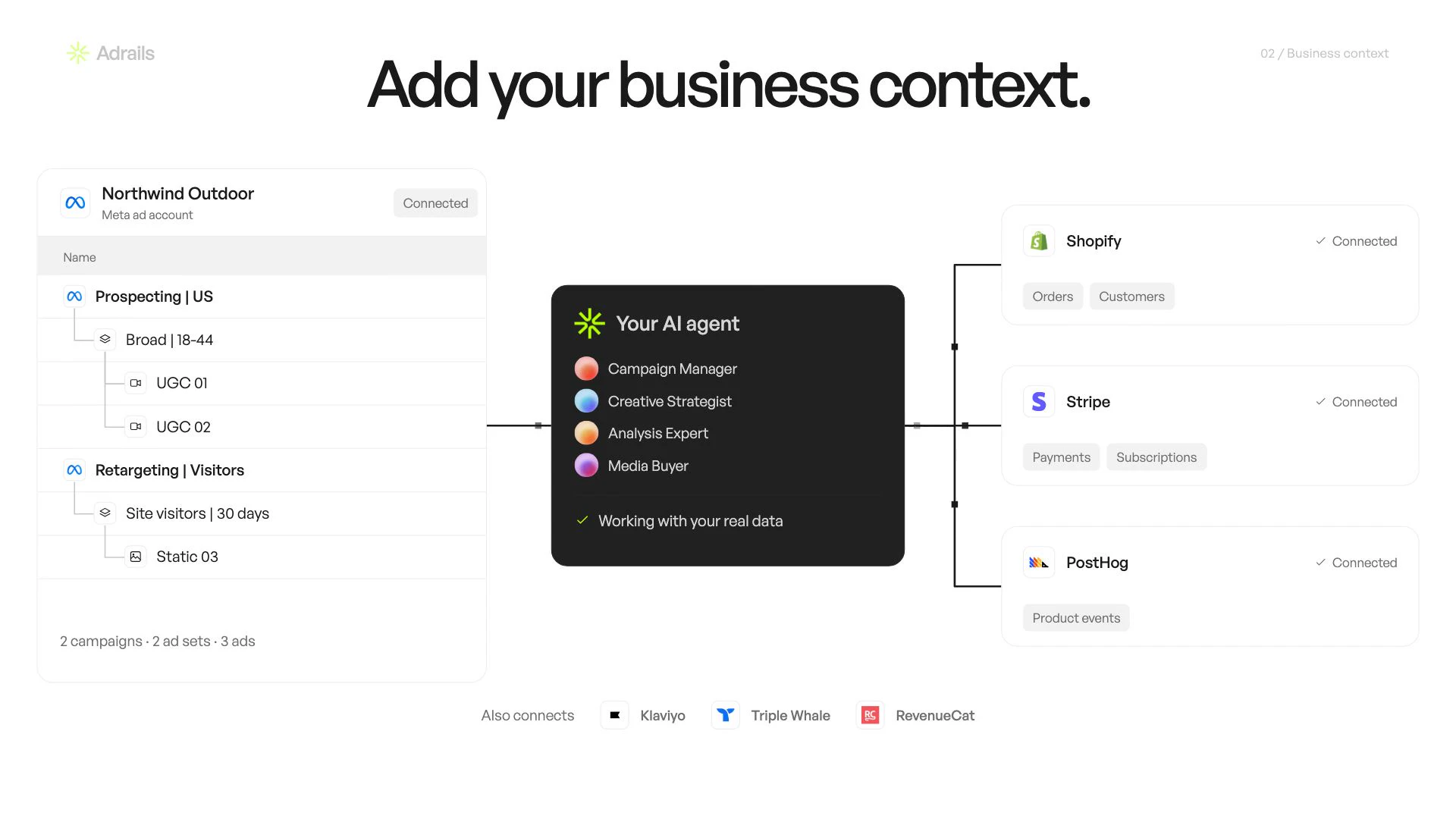
This approach can fit a homepage, a launch presentation or an introduction in a sales conversation. The Adrails film connects its AI advertising agents to campaign creation and performance analysis. Animated interfaces make the story concrete while the film introduces the overall product.
For evaluation or onboarding, show the workflow
A product demo starts from a task the viewer wants to complete. Show the starting state, the important actions and the result. Keep interface details that explain a decision; remove detours that do not help someone follow the task.
A sales demo can show a prospect how a workflow fits their needs. An onboarding video can help an existing user complete that workflow. Those audiences have different starting points: a prospect may need context, while an existing user may need precise labels and steps.
Use current screens and approved demonstration data. If the product is still changing, identify the screens likely to move before production begins. An attractive animation should still represent the product and the task accurately.
Choose the length after choosing the job
A brief introduction, a sales presentation and a task walkthrough do not need the same amount of detail. Outline the essential scenes first. Read the script aloud with time for the viewer to understand each screen, then choose the duration that supports that sequence.
Relay offers a useful comparison of delivery lengths: a 15-second introduction, a 2-minute 14-second VSL and a 30-second vertical ad. The set shows how one product can have several presentations. Decide what each edit must explain and which audience it addresses before choosing its length.
At MO STUDIO, individual ads are under one minute and long-format films run for 2 to 3 minutes. Recurring production is available through the monthly video subscription. The pricing guide explains the scope of each offer.
When a hybrid film makes sense
A hybrid can work when viewers need both context and a visible example. Open with the problem, explain the product’s role and follow one useful workflow. End with a next step that matches the audience, such as exploring the product or booking a conversation.
Give that workflow enough space to remain understandable. If the introduction and walkthrough each need substantial explanation, separate them and link the two. A short homepage film can lead to a more detailed demonstration without carrying every step itself.
Plan landscape and portrait compositions from the storyboard. A wide dashboard may need a closer view of one action in 9:16. Both 16:9 and 9:16 are included in our offers; distinct scripts or additional edits should be listed in the brief.
A short brief to help you decide
- Who is watching, and what do they already know?
- What single question should the video answer?
- Which workflow or feature makes the answer visible?
- What should the viewer do next?
- Where will the film appear, and which versions are needed?
- Which screens, brand assets and messages are approved?
If the main gap is understanding the product’s value, start with an explainer. If the viewer already sees the value but needs to understand the steps, start with a demo. Bring the answers to the first call and we can shape the script and production scope around them.